ComfyUI Adds Immediate MiniMax H3 Support for Advanced Multimedia Workflows
ComfyUI users gain day zero access to the MiniMax H3 model with native support for audio, text, and 2K video synthesis.
Expanding the Creative Canvas
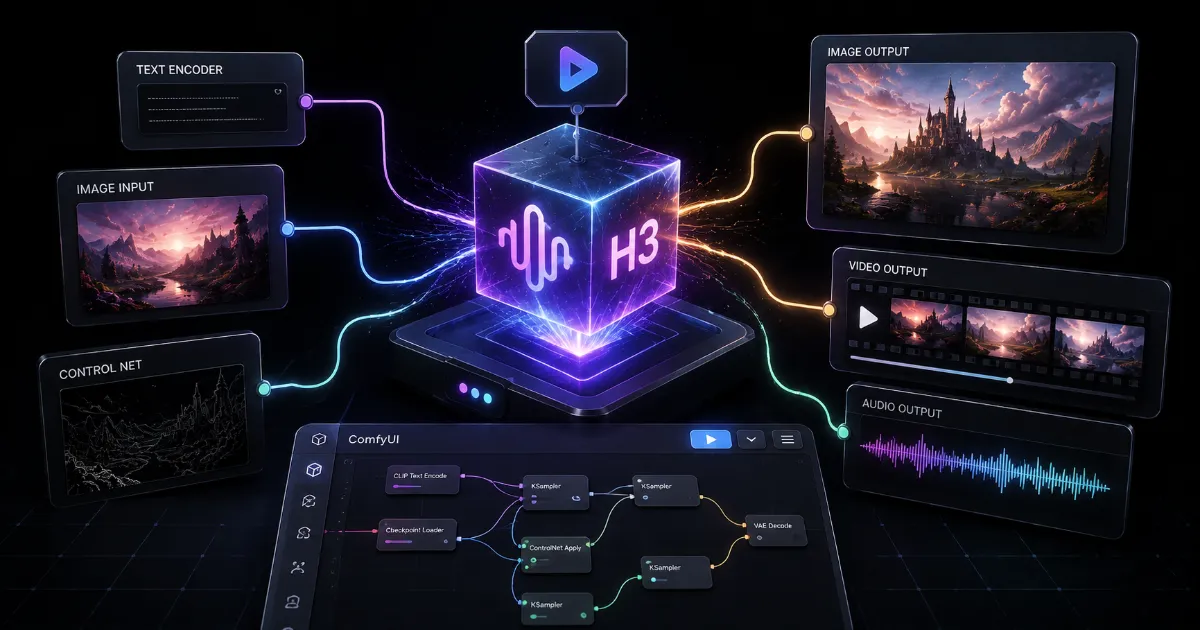
The landscape of generative media has shifted again with the announcement of day zero support for the MiniMax H3 model within the ComfyUI ecosystem. This integration allows users to harness the sophisticated multimodal capabilities of H3, including native audio synthesis, high fidelity text generation, and 2K resolution video production. By bringing this power into the modular, node-based workflow environment of ComfyUI, the development community is enabling a new generation of creative professionals to automate complex artistic pipelines.
Technical Integration Breakdown
The H3 model brings a unique set of constraints and opportunities that require specific node configurations within ComfyUI. The system supports:
- Native Audio Synthesis: Allowing for the generation of soundscapes and voiceovers synced directly to visual outputs.
- 2K Video Generation: Optimizing rendering pipelines for higher resolution output without sacrificing frame consistency.
- Open Weights Access: Enabling local deployment and fine-tuning, providing developers with total control over the inference process.
Powering Complex Workflows
ComfyUI excels because it treats every step of the generation process as a programmable node. Adding H3 support means that developers can now chain video generation with real-time audio analysis and text-to-speech feedback loops within a single graphical interface. This is a game changer for independent filmmakers and digital artists who previously relied on disparate tools that struggled with cross-modality synchronization.
The integration of MiniMax H3 into the ComfyUI graph environment represents a significant leap forward in workflow efficiency for creative developers everywhere. It essentially transforms a static image or video output into a dynamic, interconnected multimedia ecosystem.
Performance Considerations
Running H3 natively requires significant compute resources, and the ComfyUI community has already begun documenting best practices for hardware optimization. Users are encouraged to monitor VRAM usage closely, as the 2K video synthesis capability is memory intensive. Through the use of community-built caching nodes and streamlined inference pathways, it is now possible to achieve iterative production speeds that were previously unattainable for high resolution video workflows.
The Big Picture
As we look at the evolution of generative tools, the trend is clearly moving toward unified environments where developers can mix and match models with ease. The adoption of the MiniMax H3 within ComfyUI demonstrates a community-driven commitment to openness and interoperability. By removing the barriers to high-end media creation, we are seeing a democratization of professional-grade production tools that will likely redefine the boundaries of independent digital content creation.